
Remotes & keys · Compatibility
Garage and Gate Remote Replacement Guide in Australia
Find a compatible garage or gate remote by checking model codes, code type, batteries and programming needs.
In this guide · Jump to a section
A garage or gate remote should be selected by its system, code method and model identifiers, not by its shell shape. Similar-looking fobs can use different frequencies or security systems. This garage and gate remote replacement guide helps you narrow the choice before you buy.
Start with the existing transmitter and the motor or receiver label. Record every code, button count, colour cue and frequency printed there. Those details are more useful than a photo alone, especially where one brand has older and newer remote families.
Read the remote and opener labels
Look on the rear of the remote, under a sliding cover, or inside the battery compartment. Note an exact code such as C945, PTX-4, TM60, TX4 or MPC2. Also inspect the opener motor or receiver for a model label. A code copied character by character reduces avoidable mistakes.
Check how the old remote is coded. Some replacement options copy an existing working transmitter. Others are programmed to the receiver, and a few use DIP switches. A listing that says a working remote is required should be treated as a firm requirement, not a suggestion.
Frequency is useful only alongside the system family. Several products here state 433 MHz or 433.92 MHz, but frequency by itself does not prove compatibility. Rolling-code systems must match the relevant design and programming method.
Garage remote matching checklist
| Check on your system | Why it matters | How to use it |
|---|---|---|
| Remote and motor code | Identifies the stated compatible family | Compare letters, digits and hyphens |
| Button count | Helps map doors or gates | Confirm how many controls you need |
| Frequency label | Supports a system match | Never use frequency as the only check |
| Rolling, hopping or fixed code | Affects copying and enrolment | Follow the listing's stated method |
| Battery marking | Confirms replacement cell size | Fit the same marked battery type |
Do not program a remote while someone is standing in the door or gate path. Keep vehicles, pets and people clear. If your manual specifies a learn button or reset process, follow that documentation rather than guessing from a different opener.
Pick the right replacement type
A brand- and model-specific remote is usually the clearest choice when its stated list includes your existing code. For example, a remote described for Merlin C945 should be compared with C945 on the original remote or system, not merely with another Merlin fob.
A universal duplicator may suit a supported fixed or learning-code remote when you have a working original to copy. It is not a general replacement for every garage motor. Read its compatible code information carefully before ordering.
Pack size matters in a household too. A two- or three-pack can provide separate transmitters for drivers, but every unit must still be enrolled or copied as required. A spare battery is useful only when it matches the marking inside the remote.
Programming and safe everyday use
Before starting, replace a weak battery and confirm the gate or door works with the old transmitter. Work close enough to the receiver for its instructions, but stay clear of moving parts. Test one button at a time after programming.
Do not leave a remote in an unsecured car with documents showing your home address. Treat it like a house key. If a remote is lost, consider removing its access through the opener's documented controls before adding a new one.
Keep the original transmitter and manual until the replacement is operating reliably. If the product says it includes a battery, check the battery tab or insulation strip before assuming there is a fault. For rental or strata access, obtain any required permission before changing programmed remotes.
Garage and gate remote options
OfficeCatch has matching options for named remote families, multi-pack needs and selected universal copying uses. The product rows below are organised as a comparison shortlist. Confirm your original identifier and any stated exclusions before placing an order.
| Product | Check before ordering |
|---|---|
| single 433 MHz cloning fob | Match the stated code family and coding method to your notes |
| 27A 12V battery ten-pack | Match the stated code family and coding method to your notes |
| two-pack BFT Type B remote | Match the stated code family and coding method to your notes |
| two-pack Merlin C945 remote | Match the stated code family and coding method to your notes |
| two-pack 433 MHz cloning fobs | Match the stated code family and coding method to your notes |
| two-pack ATA PTX-4 remote | Match the stated code family and coding method to your notes |
| two-pack SEIP TM60 remote | Match the stated code family and coding method to your notes |
| three-pack Merlin C945 remote | Match the stated code family and coding method to your notes |
| Auto Openers AOID universal remote | Match the stated code family and coding method to your notes |
| Avanti Centurion T Series remote | Match the stated code family and coding method to your notes |
| B&D Chamberlain compatible remote | Match the stated code family and coding method to your notes |
| BFT Mitto compatible remote | Match the stated code family and coding method to your notes |
| Ditec GOL4 compatible transmitter | Match the stated code family and coding method to your notes |
| B&D Dominator compatible remote | Match the stated code family and coding method to your notes |
| ECA gate and garage remote | Match the stated code family and coding method to your notes |
| Security+ 2.0 compatible remote | Match the stated code family and coding method to your notes |
| Merlin M802 Blue remote | Match the stated code family and coding method to your notes |
| B&D MPC2 remote cloner | Match the stated code family and coding method to your notes |
| Merlin M842/M832/M844 remote | Match the stated code family and coding method to your notes |
| MyHouse TX3/TX4 remote | Match the stated code family and coding method to your notes |
| Merlin+ C945 replacement remote | Match the stated code family and coding method to your notes |
FAQs
How do I find a replacement Merlin garage remote?
Read the code on the current Merlin remote and compare it with the compatibility list on the replacement listing. Merlin remotes can have different families, including specific colour and generation notes. Check the opener model as well, then follow the programming instructions provided for the selected remote.
Can a 433 MHz universal remote copy any garage remote?
No. Matching frequency is only one part of compatibility. A universal copying remote needs to support the original remote's code method, and some systems use rolling or hopping codes. Check the listed compatible ICs or requirements, and keep a working original if the item requires copying.
What battery does a garage door remote use?
Check inside the remote's battery compartment for the exact battery marking. Several products in this guide use 27A or 23A 12V batteries, but that does not apply to every transmitter. Fit the type specified for your remote and observe the positive and negative markings.
Why will my replacement garage remote not open the door?
First confirm that the remote family, code type and programming method match your opener. A flat or incorrectly fitted battery can also stop it working. If compatibility is correct, follow the specific enrolment or copying steps supplied with the product and test with the doorway clear.
Products linked in this guide
-
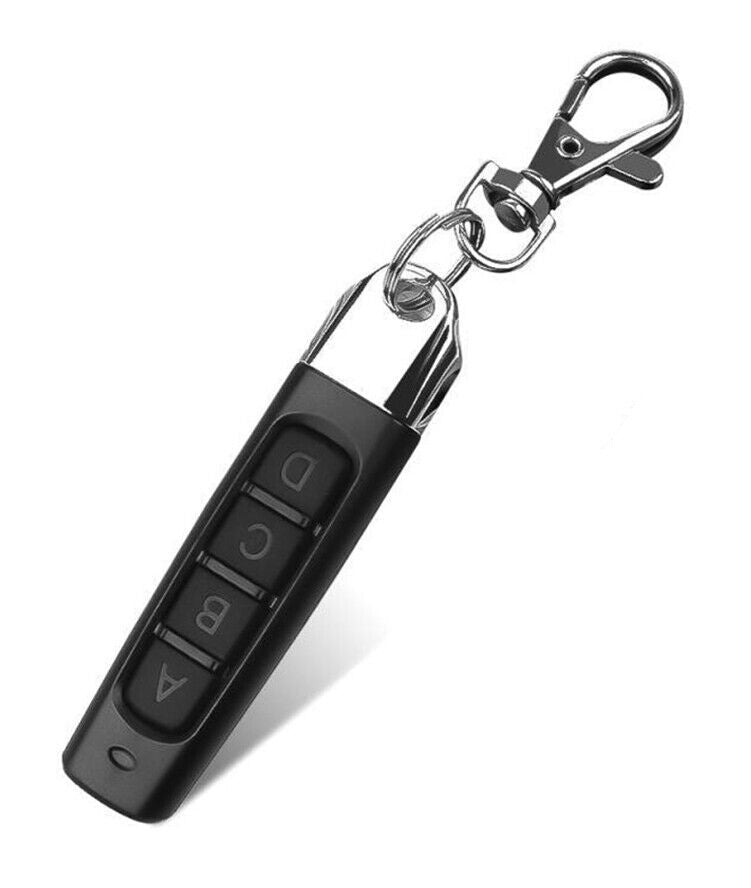
1 Pack Universal 433MHZ Remote Control Garage Door Gate Car Cloning Wireless Key Fob $8.99 AUD View current product details
-
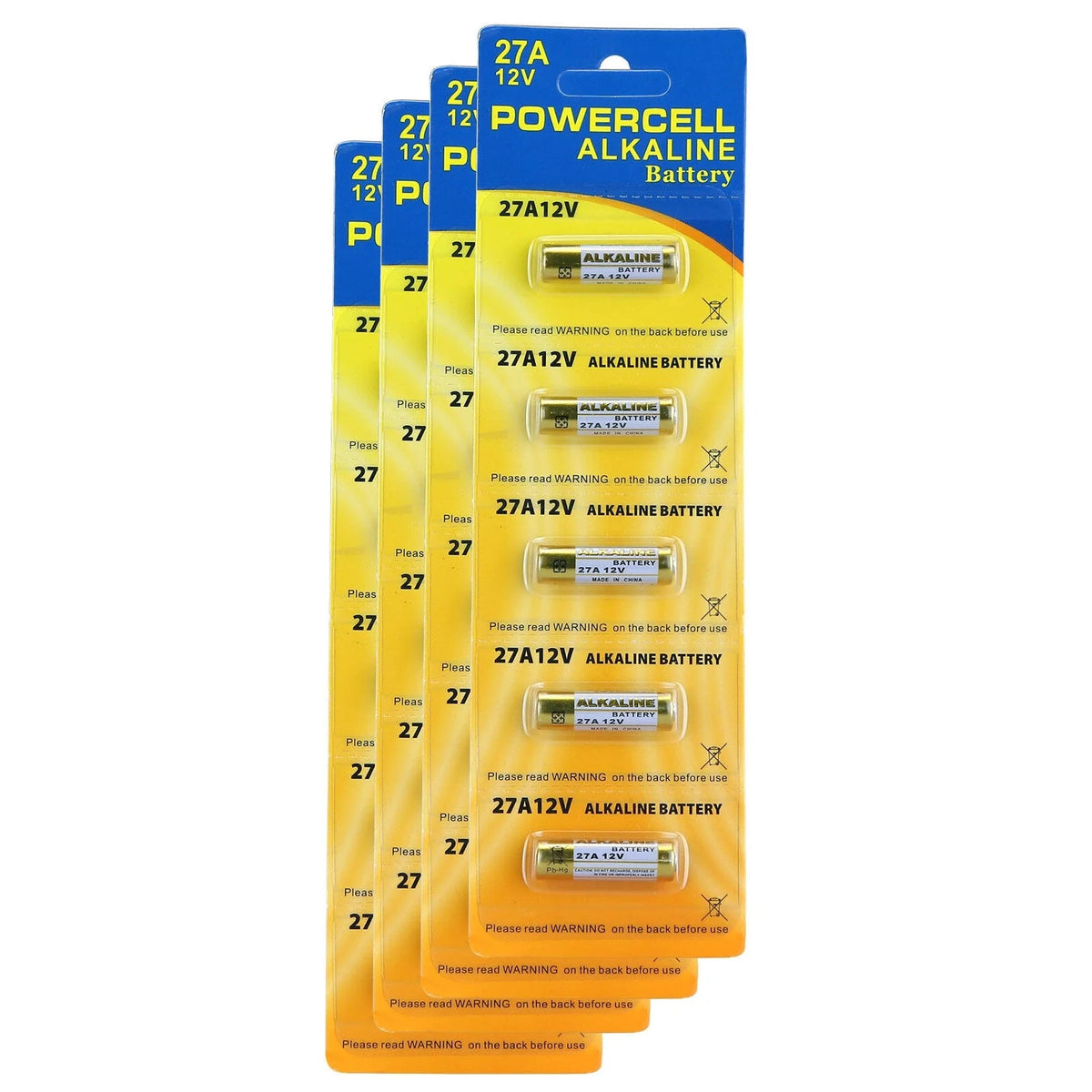
10X Alkaline Batteries 27A 12V MN27 LR27A A27 L828 V27GA Battery Garage Remote $15.98 AUD · Sold out View current product details
-
[2 Pack] Replacement BFT Type B RCB TX2/TX4/0678 Mitto Compatible Garage & Gate Remote Control $36.95 AUD View current product details
![[2 Pack] Replacement Automatic Gate Remote Control Compatible with Nice Flor - S FLO1 - RS FLO2 - RS FLO4 - RS - Office Catch](//www.officecatch.com.au/cdn/shop/files/2-pack-replacement-automatic-gate-remote-control-compatible-with-nice-flor-s-flo1-rs-flo2-rs-flo4-rs-2939372.png?v=1756900580&width=1200)
![[2 Pack] Replacement Automatic Gate Remote Control Compatible with Nice Flor - S FLO1 - RS FLO2 - RS FLO4 - RS - Office Catch](http://www.officecatch.com.au/cdn/shop/files/2-pack-replacement-automatic-gate-remote-control-compatible-with-nice-flor-s-flo1-rs-flo2-rs-flo4-rs-2939372.png?v=1756900580&width=1200)
Check the product page for current specifications, compatibility and availability.