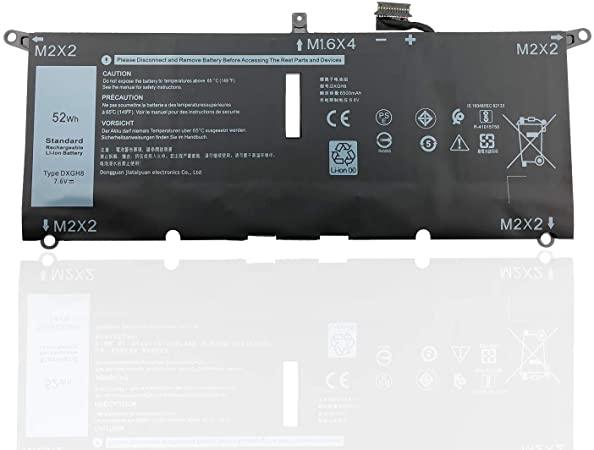
Save 24%
Sale price$38.00
Regular price$50.00
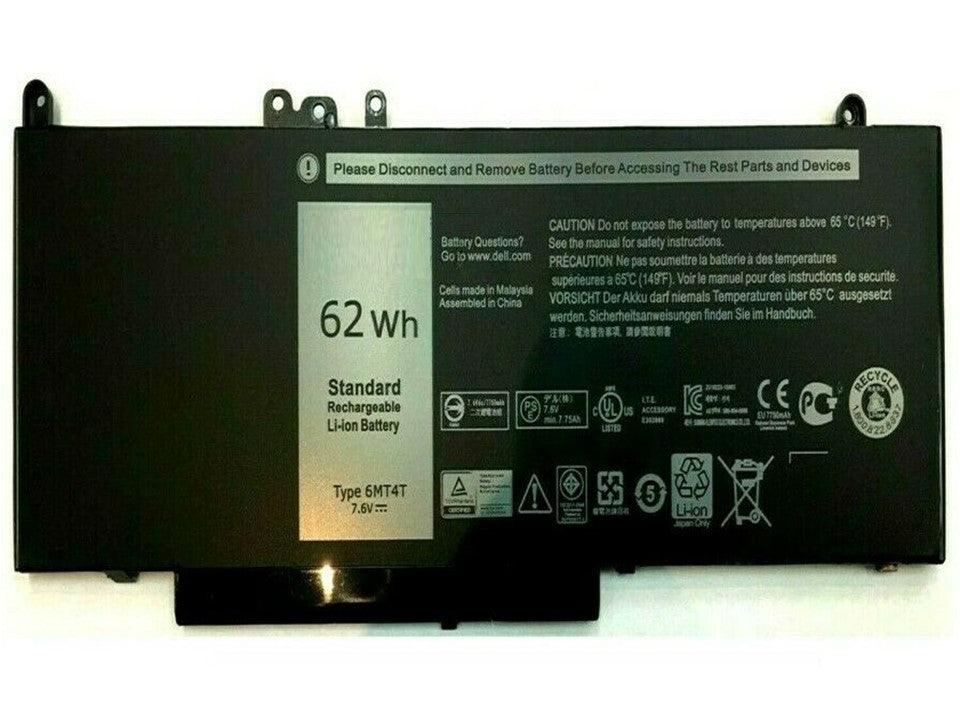
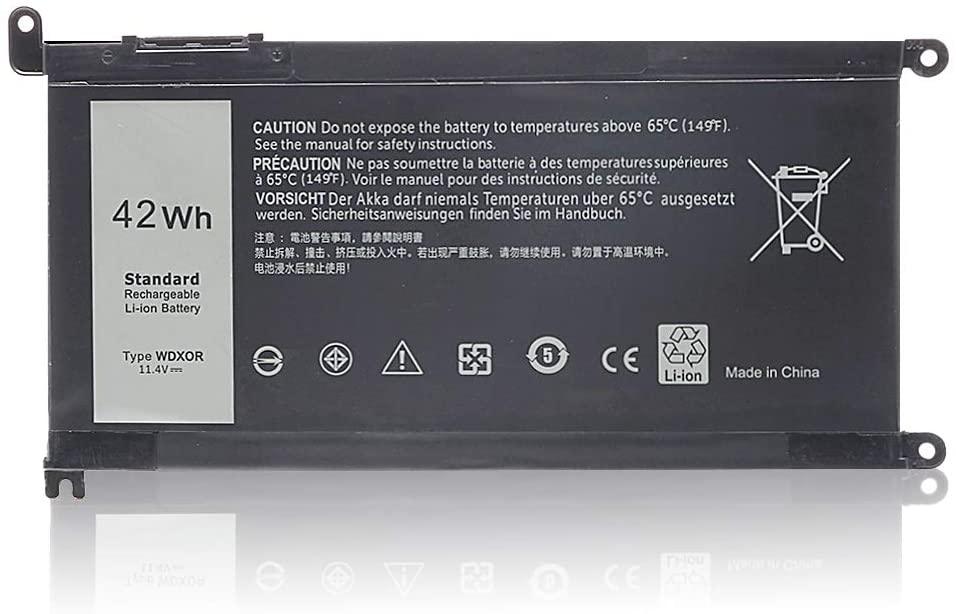
6MT4T Battery For Dell Latitude E5470 E5570 7V69Y TXF9M 79VRK
Only 2 units left
Sale price$41.00
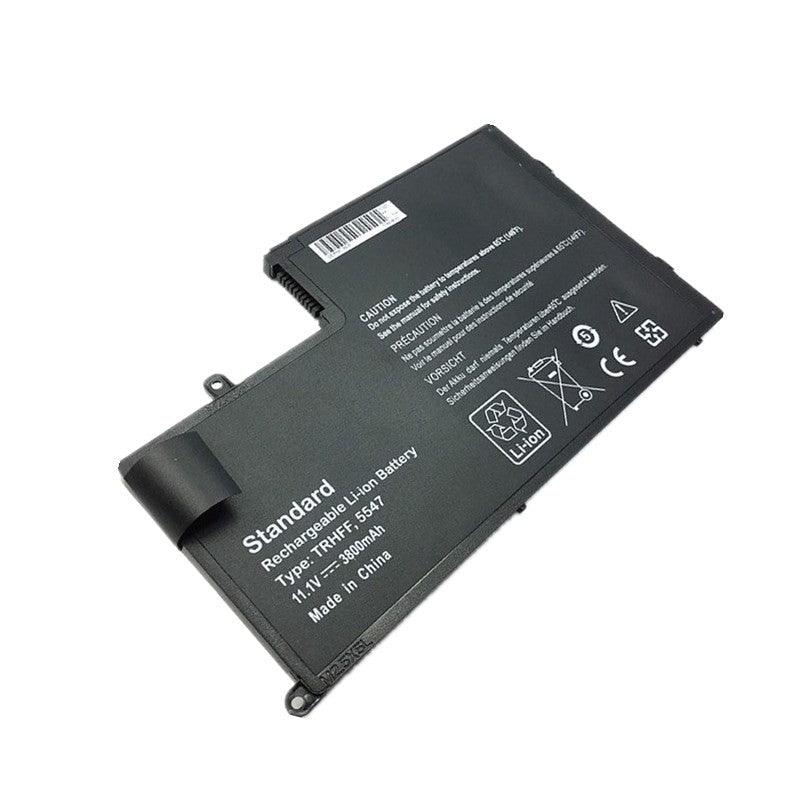
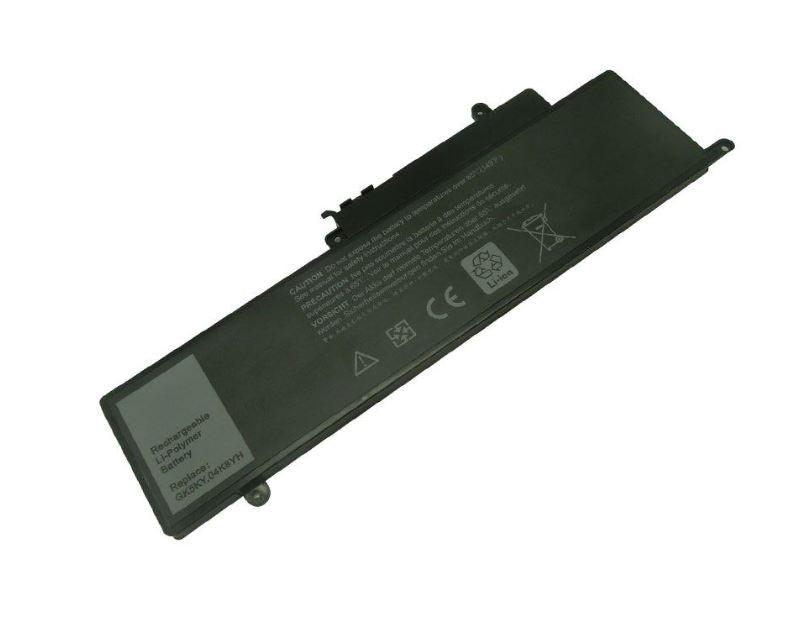
Replacement Battery for Dell Inspiron 5547 5548 5545 5445 5447 5448 N5547 N5447 TRHFF
In stock, 6 units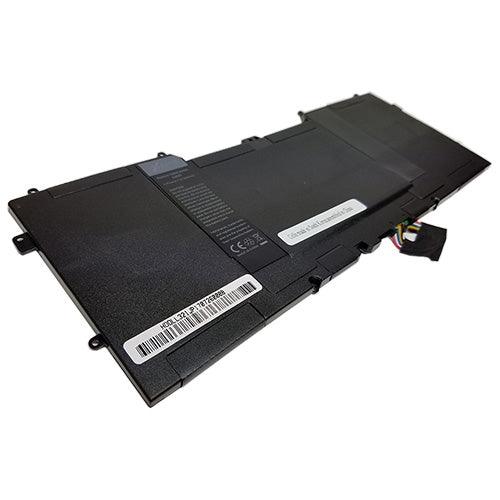
Sale price$52.00
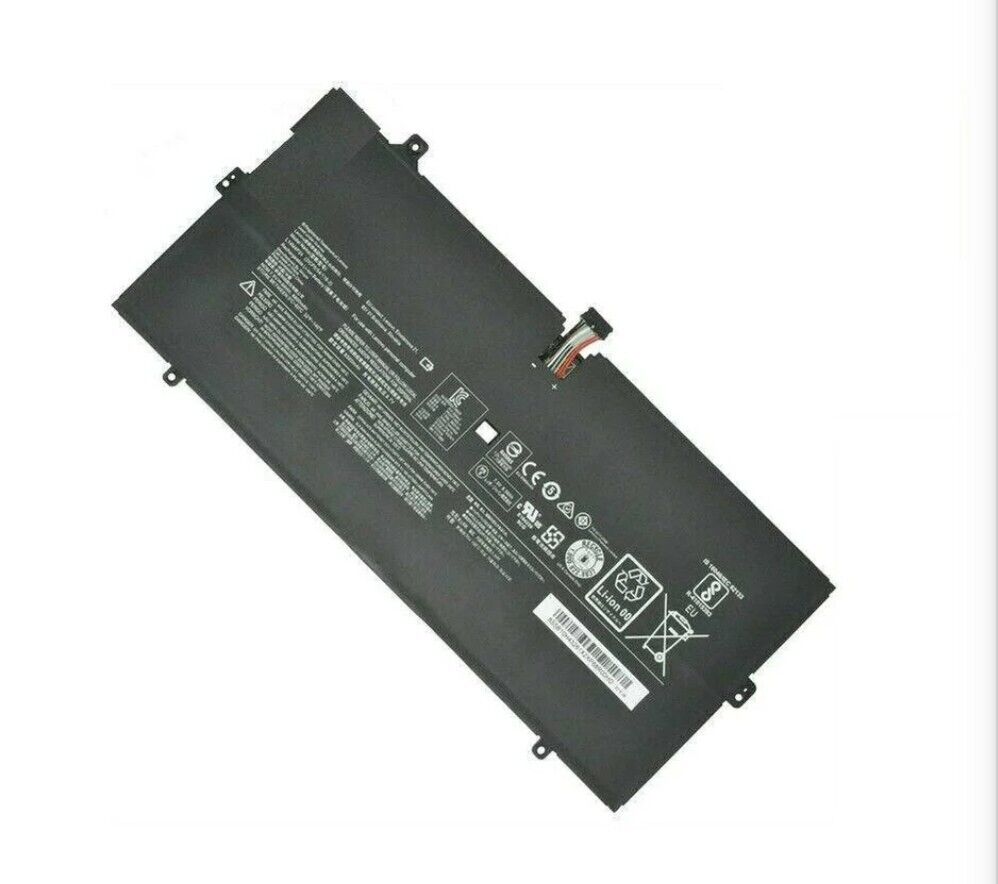
L14L4P24 Battery For Lenovo YOGA 4 Pro 900-13ISK 900-IFI 900-13ISK L14M4P24 66Wh
Sold out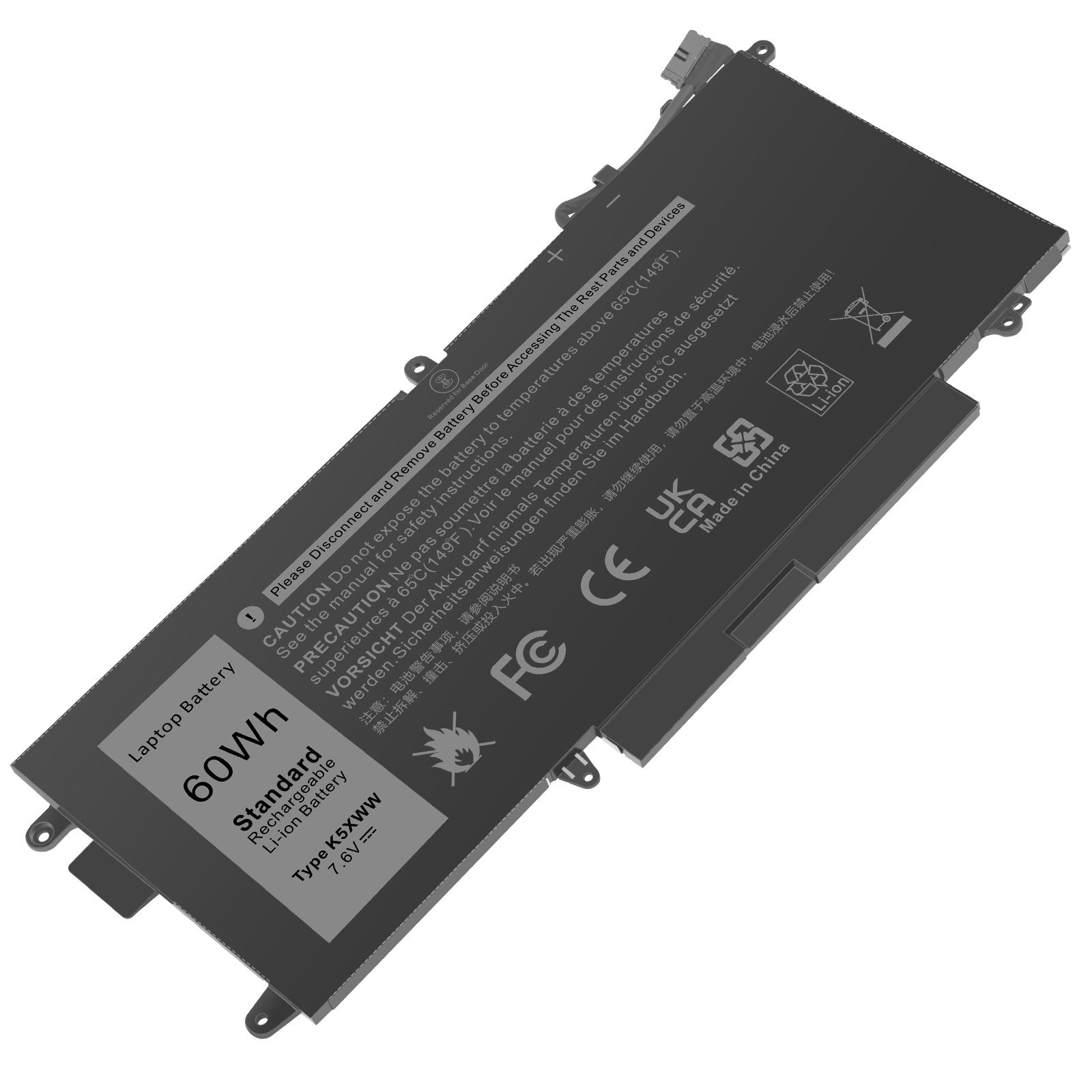
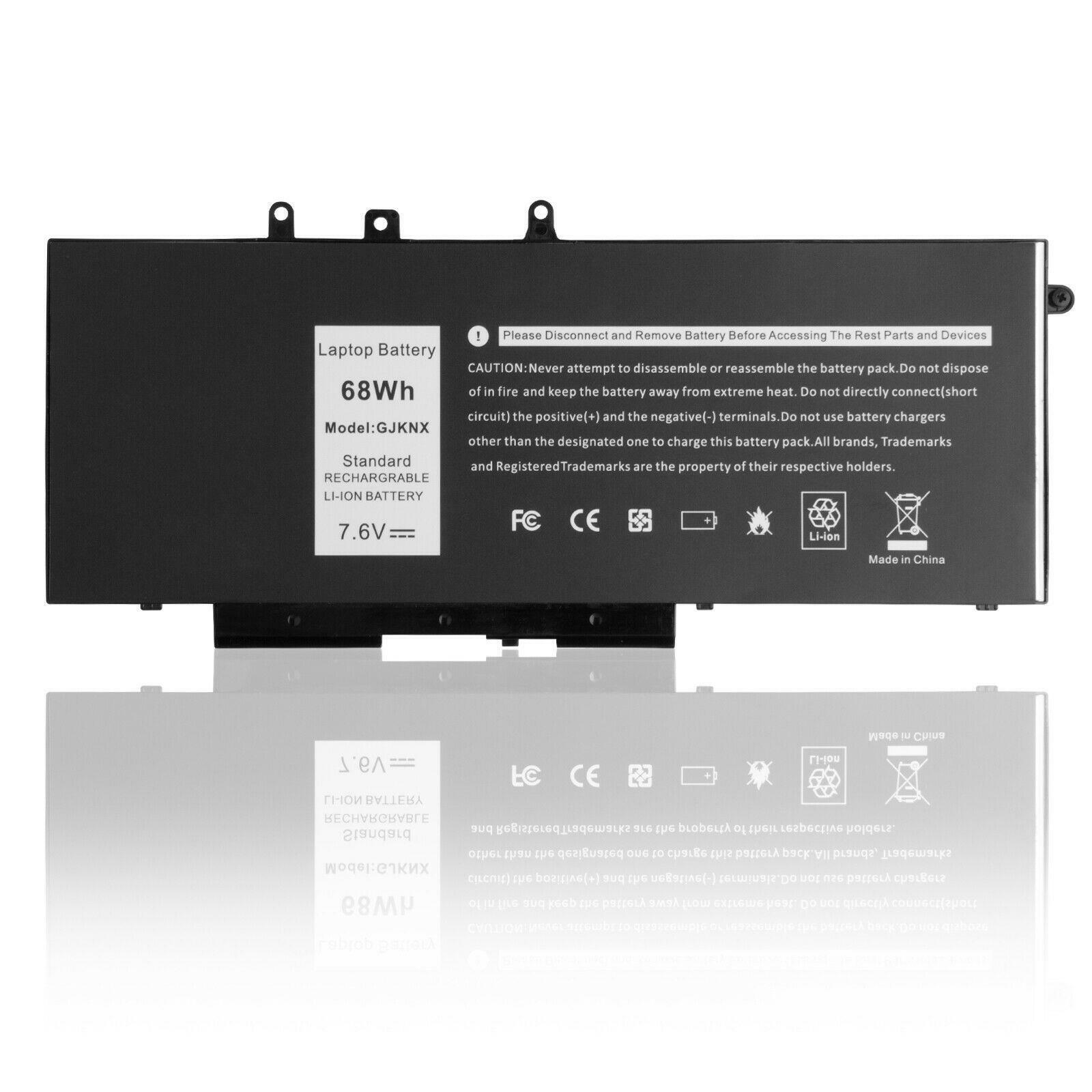
Sale price$41.00
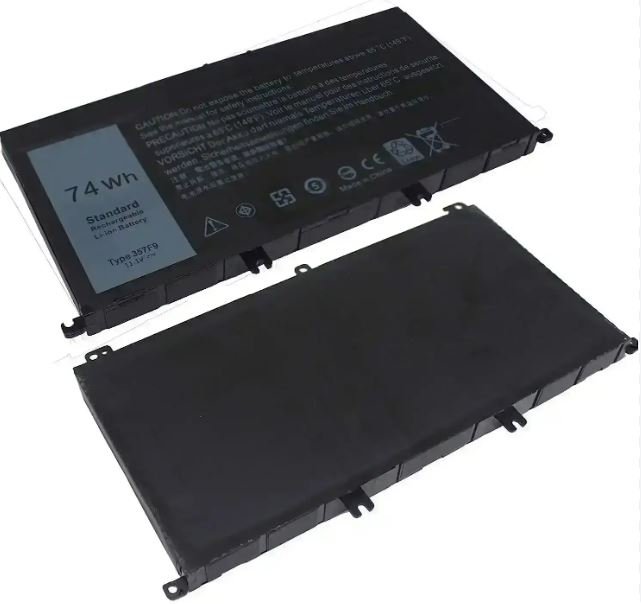
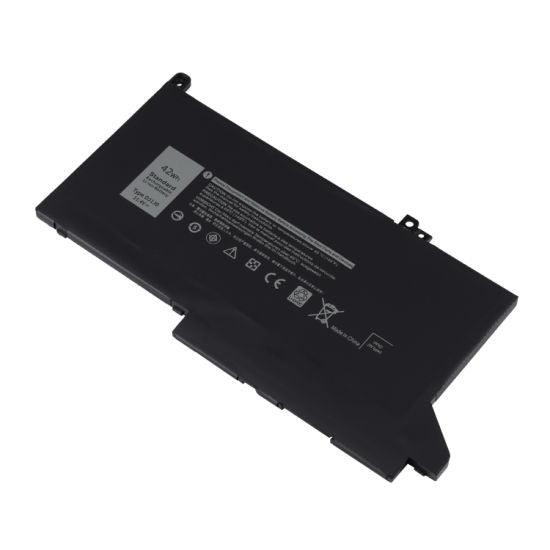
Dell Latitude E5480 5580 E5490 Precision 3520 GJKNX 68Wh Compatible Battery
Sold out
Save 2%
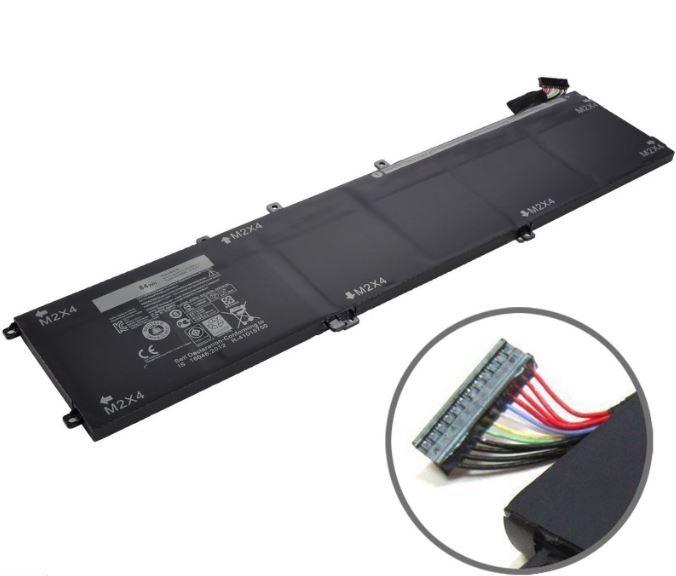
Sale price$61.00
Regular price$62.00
Battery For Dell XPS 15-9550 15 9550 Precision 5510 Series 4GVGH P56F001 T453X
Sold outSave 38%
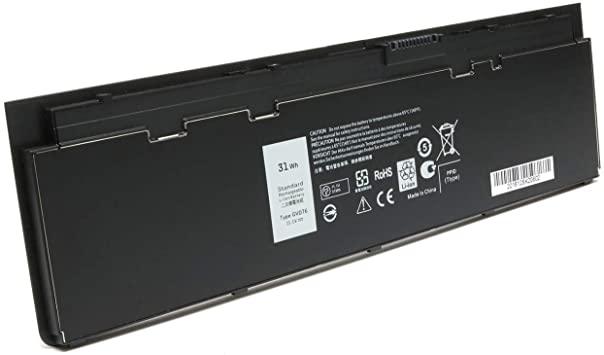
Sale price$31.00
Regular price$50.00
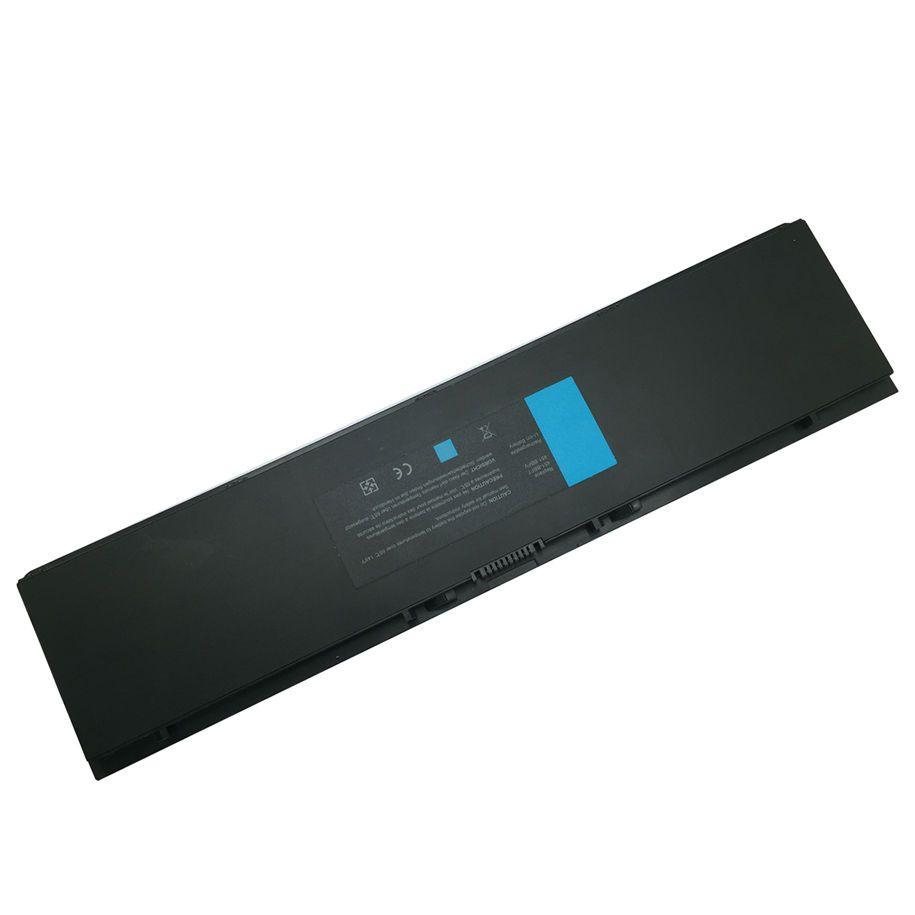
Battery For Dell Latitude E7240 E7250 WD52H W57CV 0W57CV GVD76 VFV59 3G33
Sold out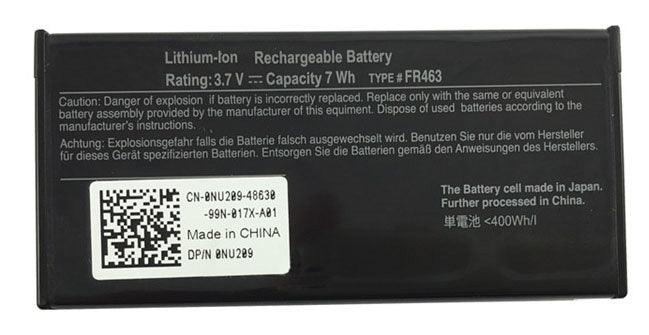
Sale price$62.00
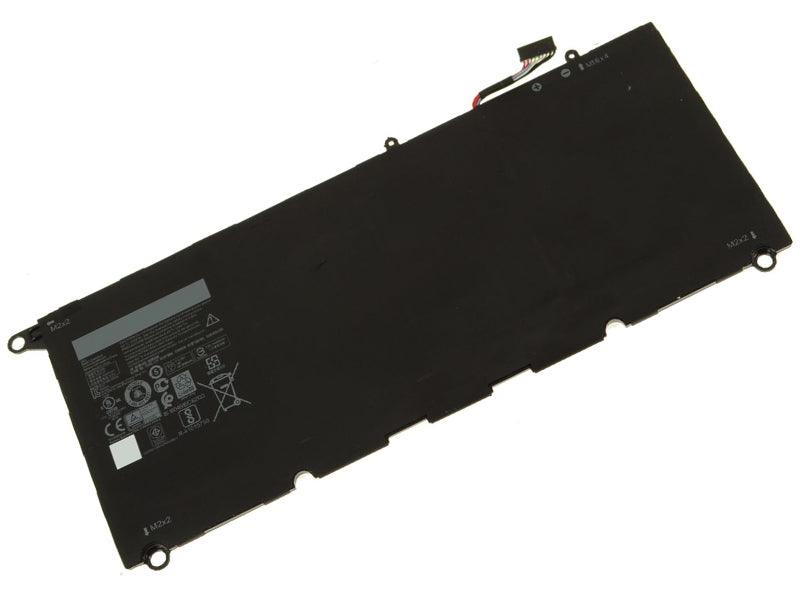
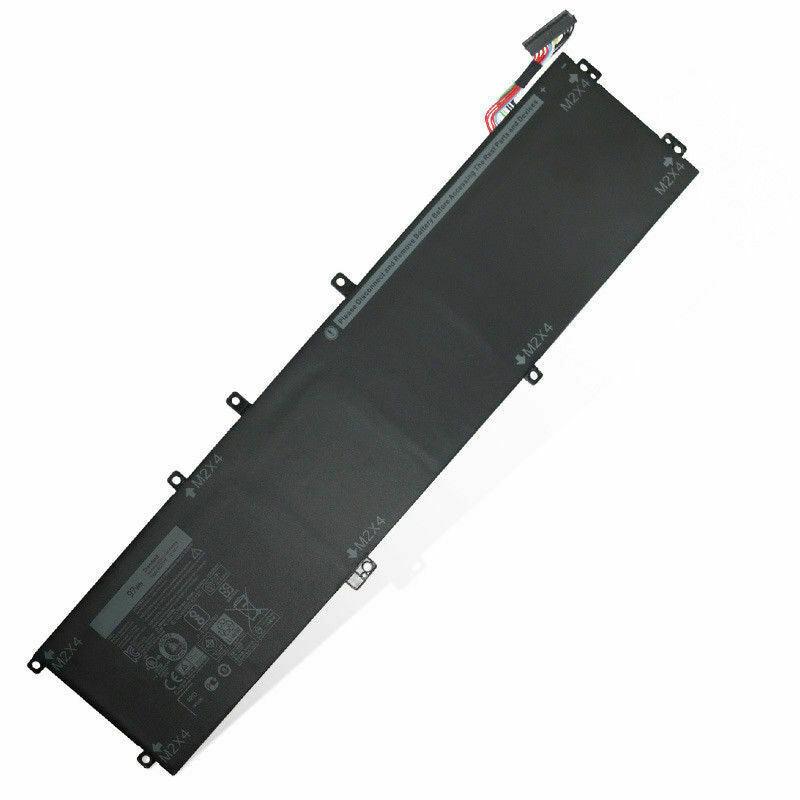
6GTPY Compatible Battery for Dell 5041C 5D91C 5XJ28 GPM03 H5H20 P56F P83F 11.4V 97Wh
Sold out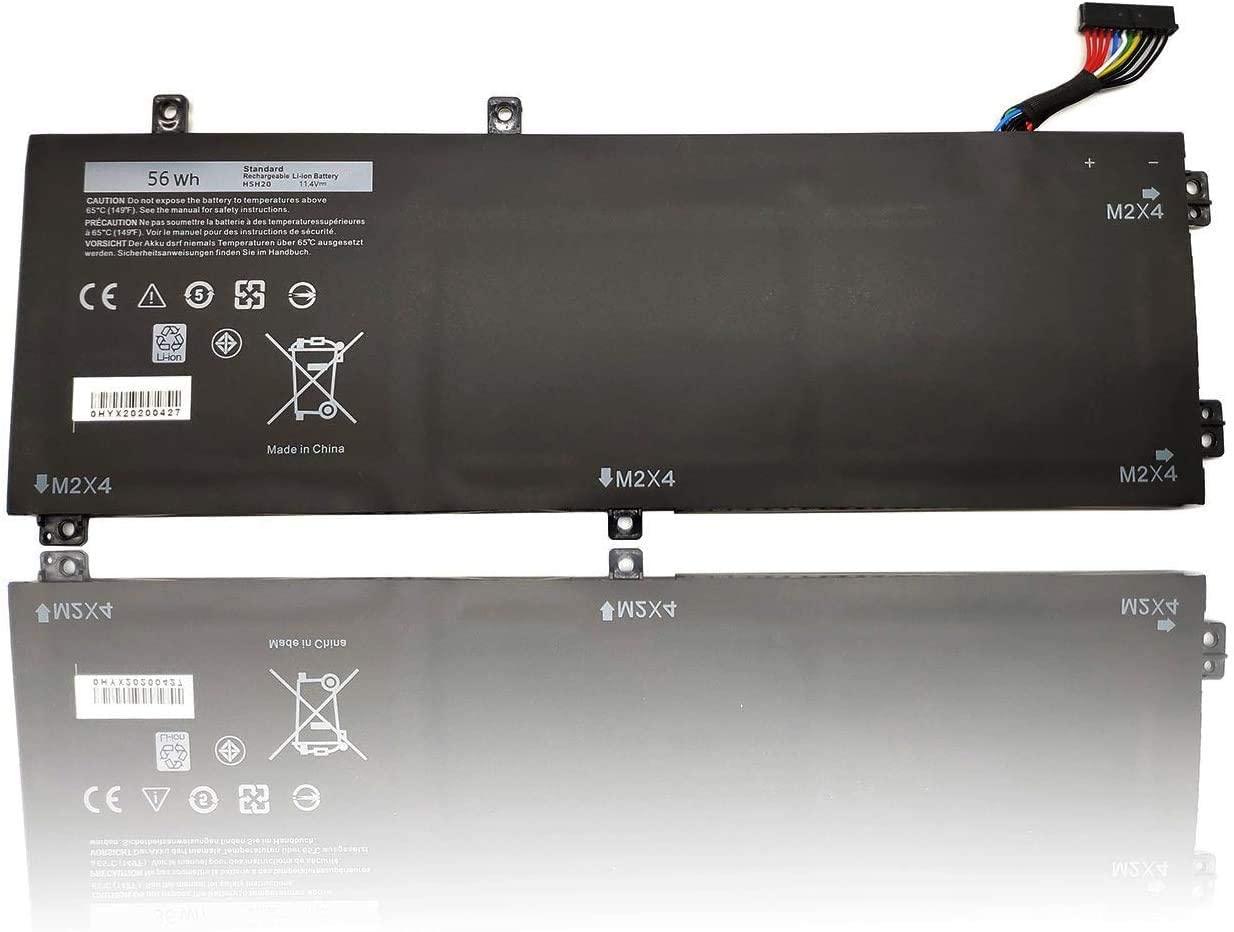
Sale price$63.00
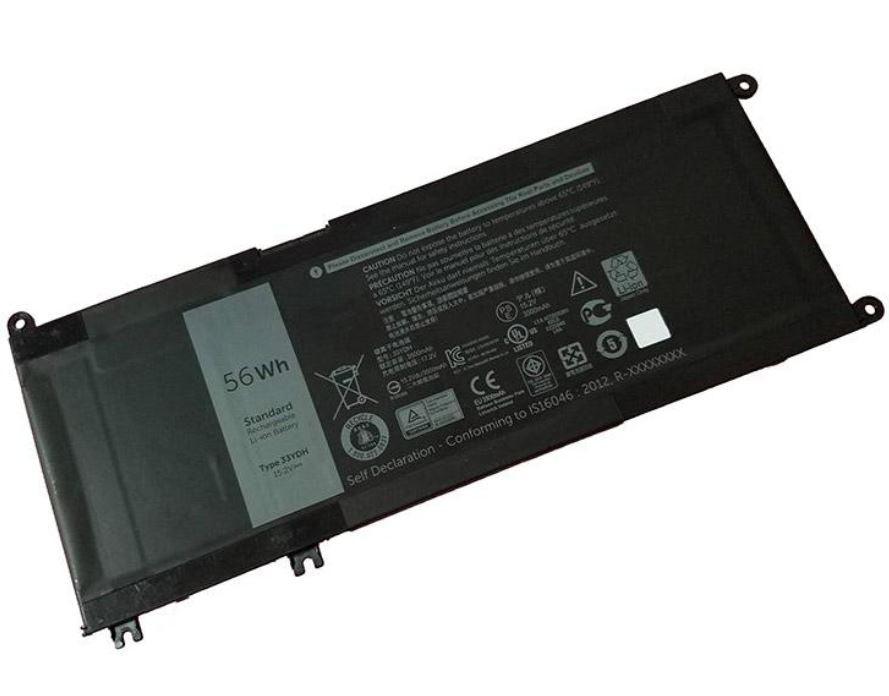
H5H20 Battery for Dell XPS 15 9560 15-9560-D1845 XPS 15 2017 9560 5D91C Series 11.4V 56Wh
Sold out