


Description
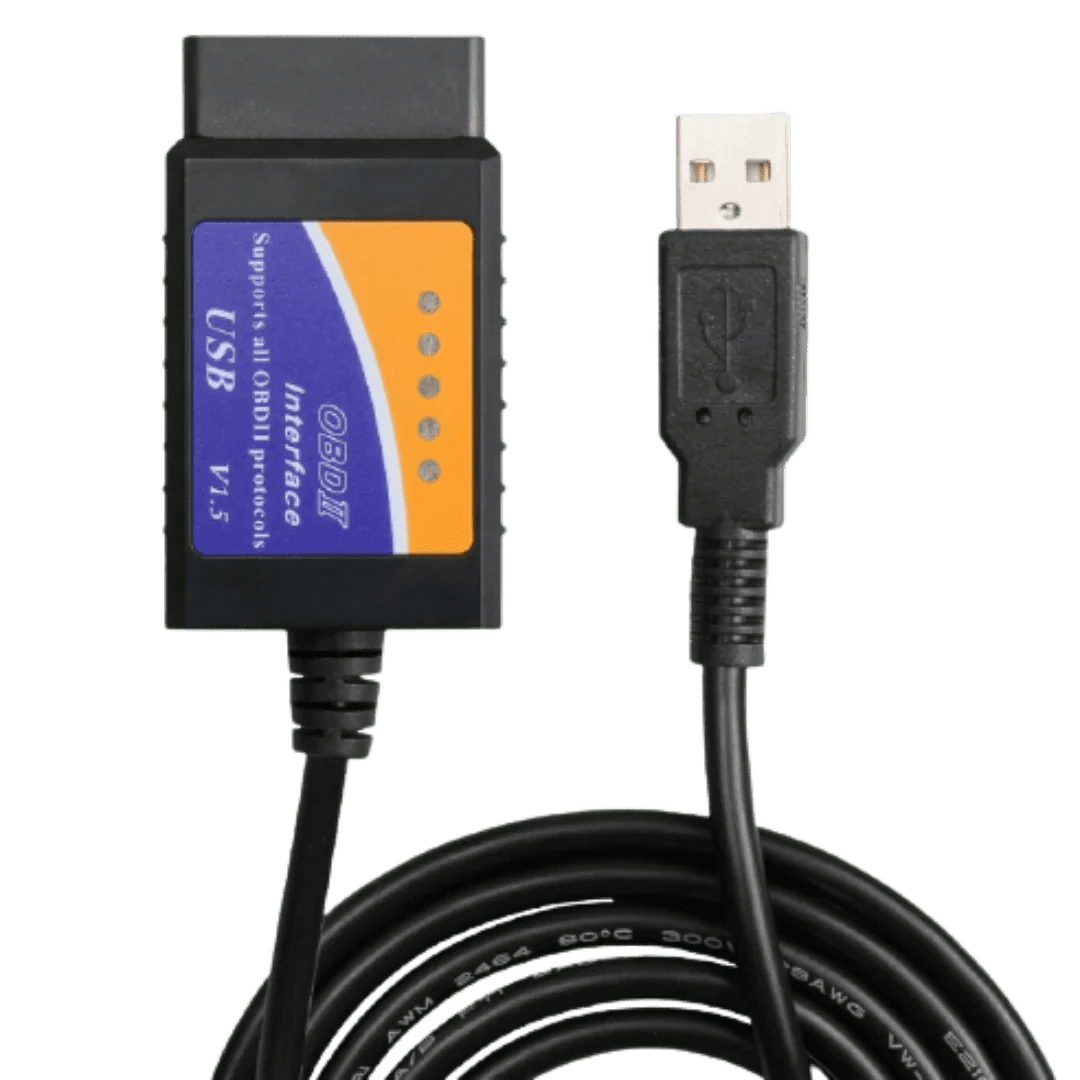
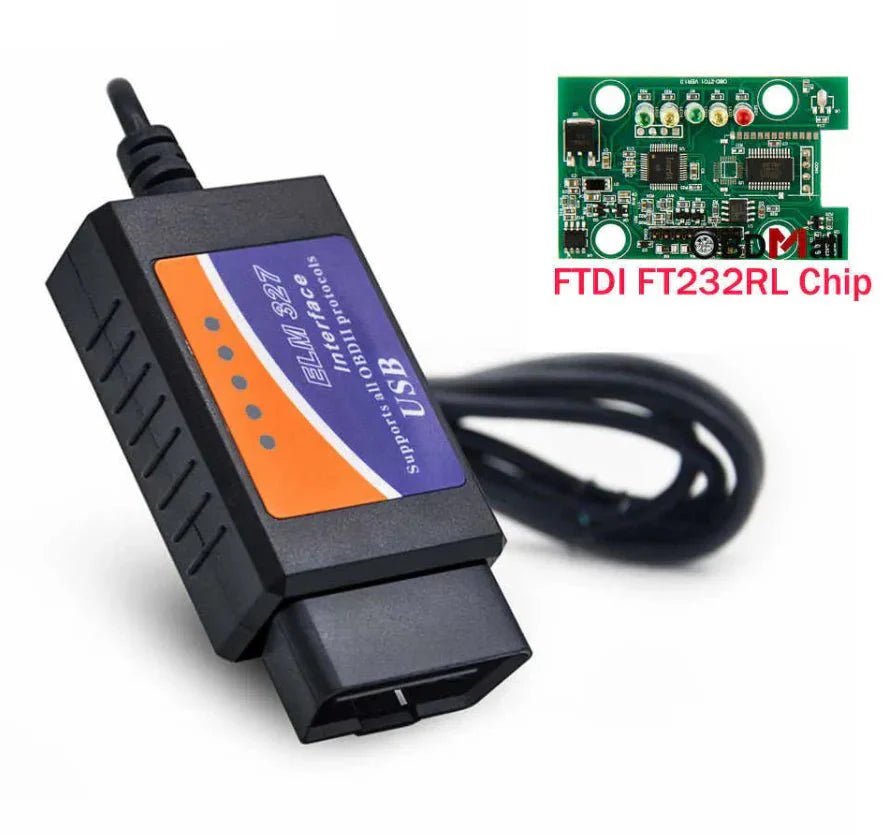
Diagnose, read and clear vehicle fault codes with this ELM327 USB OBD2 Adapter, designed for use with FOR Scan and other compatible diagnostic software. Built with an MS-CAN / HS-CAN toggle switch, this adapter allows access to additional vehicle modules that many basic OBD2 scanners cannot read.
Ideal for compatible Ford, Mazda, Lincoln, Mercury and selected 12V F-Series trucks, this USB scanner can be used for fault code reading, clearing check engine lights, module diagnostics and selected configuration functions through supported software.
When used with FORScan, users may access advanced vehicle settings and coding options such as global windows, Bambi mode, reverse mirror tilt, tyre size correction, secure idle, turn signal flash settings, horn/chime adjustments and other vehicle-dependent features.
Key Features
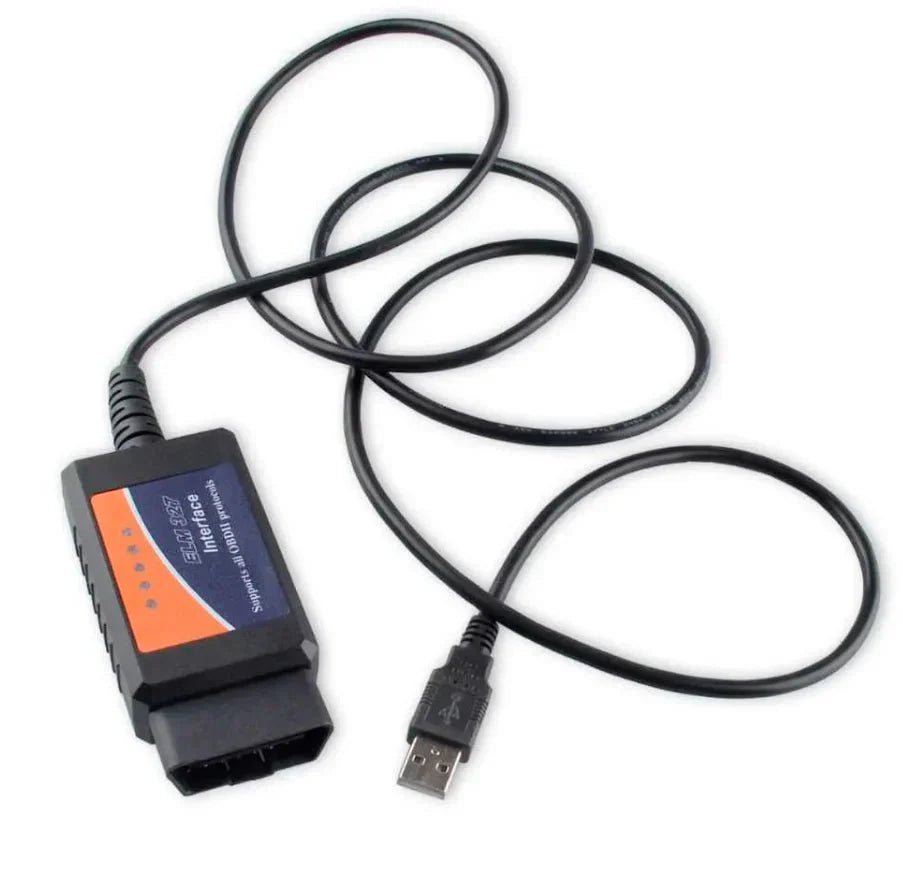
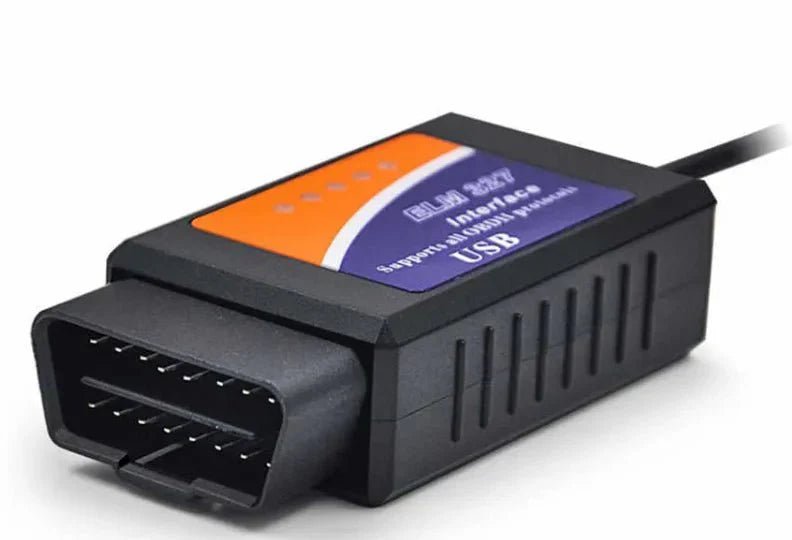
- ELM327 USB OBD2 diagnostic adapter
- Designed for FORScan and compatible software
- Built-in MS-CAN / HS-CAN switch
- Reads and clears diagnostic trouble codes
- Supports module diagnostics and selected configuration functions
- Compatible with many Ford, Mazda, Lincoln and Mercury vehicles
- Works as a standard OBD-II / EOBD / CAN code reader on supported vehicles
- USB connection for stable diagnostic communication
Compatible Software
- FORScan
- ELMConfig
- FoCCCus
- FF2
Software should be downloaded from the official software provider websites.
Supported Operating Systems
Compatible with Windows XP, Vista, 7, 8 and 10.
Supported Protocols
- J1850PWM
- HS-CAN
- MS-CAN
- HS-CAN2
- HS-CAN3
- OBD-II / EOBD / CAN protocols on supported vehicles
Vehicle Compatibility
Compatible with many Ford, Mazda, Lincoln and Mercury models, including selected F150, F250, Ranger, S-Max, C-Max, Transit, Mondeo, Fusion, Kuga, Mustang, Explorer and Edge models.
General compatibility guide:
- Approx. 99% of supported models after 2000
- Approx. 92% of supported models after 1996
Note: Newer 2019+ Mazda 3 and CX-30 models may not be supported. Not suitable for trailers or semi-trucks.
How to Use
- Download compatible software such as FORScan.
- Install the required CH340T USB driver before connecting to the vehicle.
- Connect the USB adapter to your Windows computer.
- Plug the OBD2 adapter into the vehicle’s OBD port.
- Open your diagnostic software and begin scanning or configuration.
Important Notes
- Vehicle functions depend on model, year, software and module support.
- Advanced coding should only be performed if you understand the settings being changed.
- Incorrect configuration changes may affect vehicle operation.
- Always back up original module data before making changes.
Payment & Security
Your payment information is processed securely. We do not store credit card details nor have access to your credit card information.
Thank you for visiting Office Catch. Please see below for our Shipping Policy.
Domestic Shipping Policy
Shipment processing time
All orders are processed within 24-48 hours and shipped within 1-7 business days.
If we are experiencing a high volume of orders, shipments may be delayed by a few days. Please allow additional days in transit for delivery. If there will be a significant delay in shipment of your order, we will contact you via email.
Shipping rates & delivery estimates
Shipping charges for your order will be calculated and displayed at checkout.
|
Shipment method |
Estimated delivery time |
Shipment cost |
|
|
AustPost Standard |
1-7 business days |
|
|
|
AustPost Express |
1-3 business days |
Additional fee applies |
*Delivery delays can occasionally occur.
Shipment confirmation & Order tracking
You will receive a Shipment Confirmation email once your order has been dispatched containing your tracking number(s). The tracking number will be active within 24 hours.
Customs, Duties and Taxes
Office Catch is not responsible for any customs and taxes applied to your order. All fees imposed during or after shipping are the responsibility of the customer (tariffs, taxes, etc.).
Damages
If you received your order damaged, please contact us.
Ensure you keep all packaging materials and damaged goods before filing a claim.
Carrier Delivery Programs
Australia Post Shipping offers services to manage all of your deliveries.
These services offer up-to-day delivery alerts, delivery date or address changes, online package signing, delivery instructions, and more.
International Shipping Policy
International shipping 3-10 days.