Charging & power · Care & ideas
In-Car Tech Upgrades: CarPlay, Cameras and 12V Power
Choose CarPlay screens, reverse cameras and 12V accessories by checking vehicle ports, fitting needs and safe mounting first.
In this guide · Jump to a section
In-car tech upgrades work best when each item solves a clear problem. You may want phone navigation on an older dash, easier reversing, power for several devices, or a tidier rear seat. Start with the vehicle’s existing ports, screen and safe mounting space.
This guide separates portable CarPlay displays, wireless adapters, reverse cameras and 12V power accessories. It also covers a few useful cabin items. Check the product instructions and your vehicle manual before installation, especially near airbags, wiring and the driver’s view.
Choose the right path for phone integration
There are two common routes to CarPlay or Android Auto. A portable screen adds a separate display to the car. The listed 10.26-inch unit offers wireless Apple CarPlay, Android Auto and FM. It can suit a vehicle without a suitable built-in display.
An adapter serves a different purpose. The four-in-one adapter is described for converting a factory wired CarPlay system to wireless. It also lists wireless Android Auto, AirPlay and Miracast. Confirm that your car already has compatible wired CarPlay before choosing this type.
Before buying either route, check your phone system, the vehicle USB connection and the place where the screen or cable will sit. A screen must not obstruct the road view, instrument cluster, switches or airbag deployment areas. Keep cables away from pedals and steering controls.
In-car upgrade decision table
This table helps assign each upgrade to its main job. It uses only features stated in the product listings. It is not a substitute for vehicle-specific installation instructions.
| Your goal | Most relevant product type | Key fit check |
|---|---|---|
| Add a separate phone display | Portable CarPlay and Android Auto screen | Mounting position and power path |
| Remove a phone cable from factory CarPlay | Wireless CarPlay adapter | Existing wired CarPlay support |
| See behind the vehicle | Monitor and reverse camera kit | Safe cable routing and mounting |
| Power several small accessories | 12V socket splitter or car charger | Vehicle socket and total load |
| Use 12V accessories indoors | AC-to-12V converter | Accessory rating and 60W limit |
Keep the functions separate when comparing. A portable display is not the same as an adapter. A socket splitter expands 12V connections, while a car charger supplies device-charging connections. The best option depends on the equipment already in the vehicle.
Plan reverse-camera installation with care
A reverse camera can assist with parking, but it does not replace mirrors, direct observation or normal reversing care. The listed kit pairs a 4.3-inch LCD monitor with a waterproof IR night-vision camera. Review the supplied wiring diagram before any installation work.
Choose a monitor location that keeps the windscreen and controls clear. Route wiring where it cannot be pinched, abraded or caught by moving panels. Avoid airbag zones. If you are uncertain about vehicle wiring, seek help from a qualified automotive installer.
After fitting, test the image while stationary in a safe space. Confirm that the picture appears when expected and that the view is useful. Recheck mounting screws and cable protection after the first few drives. Do not rely on a screen alone when people, pets or obstacles may be present.
Understand 12V power and charging options
Match a 12V accessory to the vehicle power point and its stated requirements. The three-port adapter provides three cigarette-lighter sockets and dual USB charging. It suits people who need several 12V connections, but total load still matters. Check the vehicle manual and each accessory label.
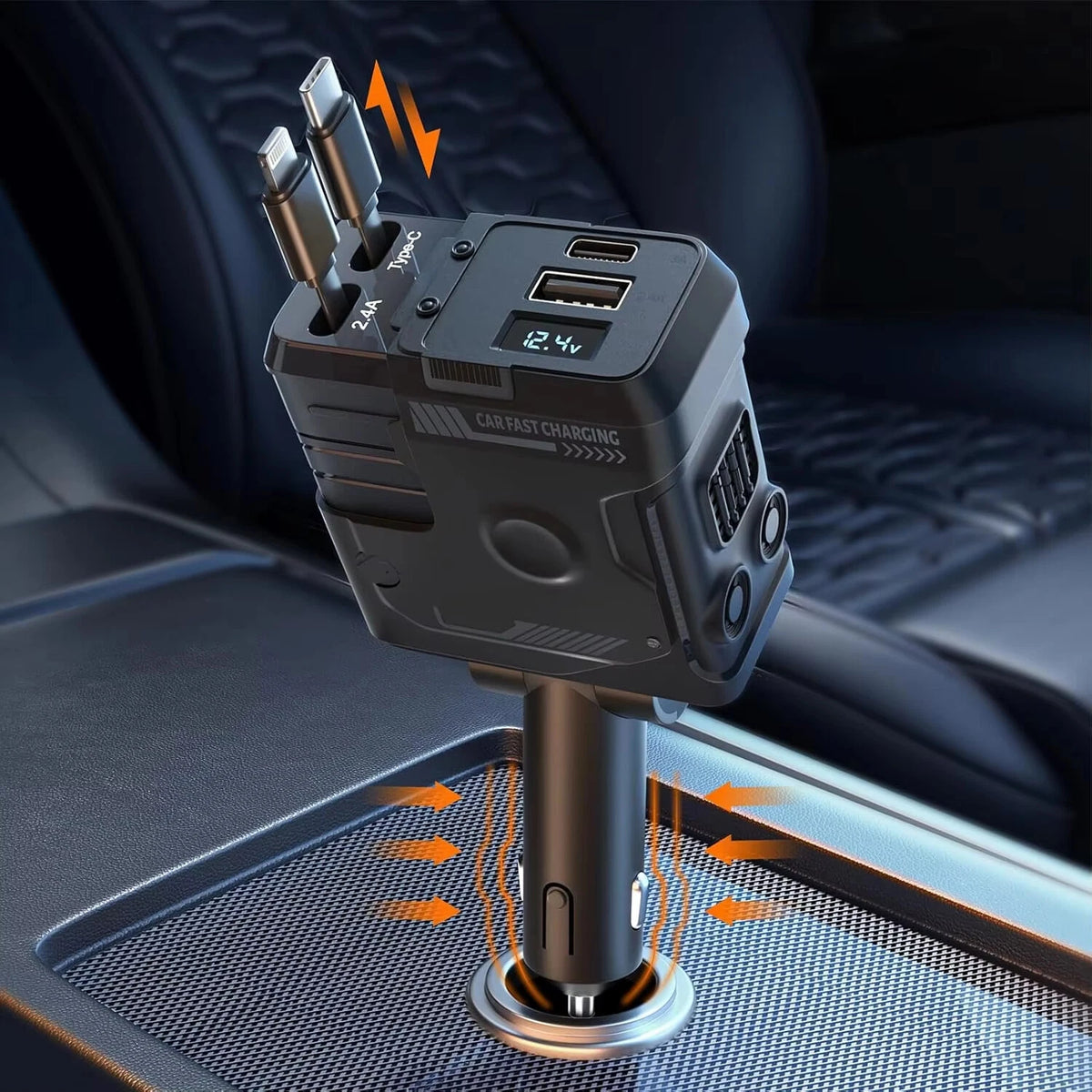
The retractable four-in-one car charger lists USB-C and iPhone cables plus USB-A and USB-C ports. Its 120W rating is a product figure, yet your car and connected devices still determine the real arrangement. Use good cables and keep the charger firmly seated in the power point.
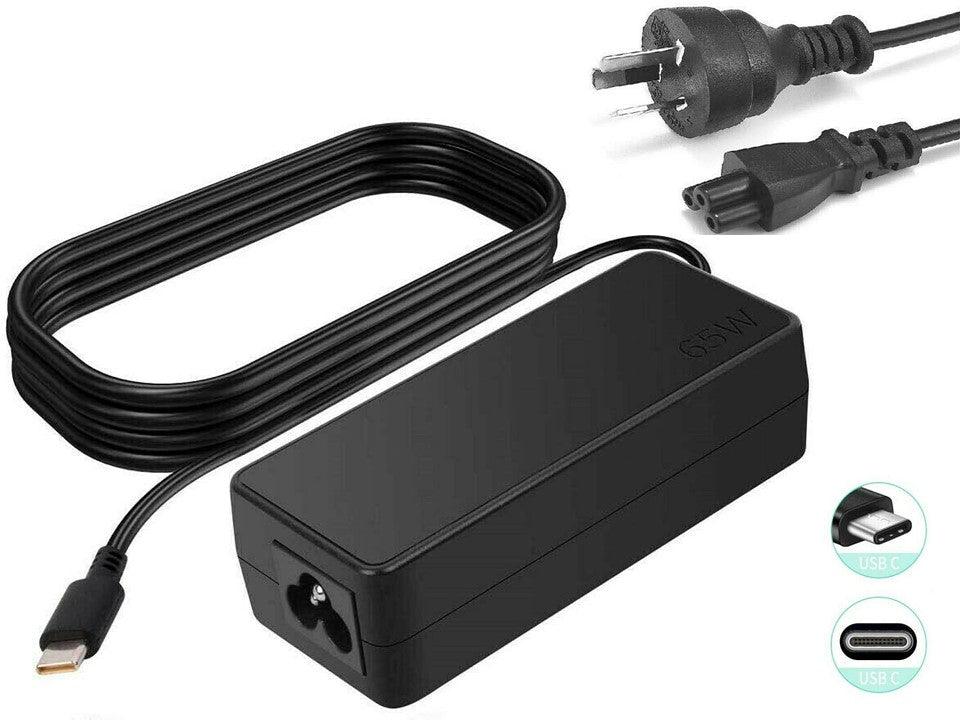
For indoor use, the AC-to-12V converter is listed as 12V 5A for accessories under 60W. That detail is a firm boundary for that item. Do not connect a higher-rated appliance. Use it in a dry indoor position with room around it for ventilation.
Compare the relevant in-car accessories
OfficeCatch has the products below for phone connection, parking visibility, vehicle power and cabin care. Check the full listing before purchase, then plan the installation sequence so nothing blocks safe driving.
| Product | Primary role | Detail shown |
|---|---|---|
| 10.26-inch portable CarPlay screen | portable display | wireless CarPlay and Android Auto |
| 120W retractable four-in-one charger | 12V charging | two cables, USB-A and USB-C ports |
| three-port socket and dual-USB adapter | 12V power | three sockets and dual USB |
| 4.3-inch reverse camera kit | reversing display | 4.3-inch monitor and camera |
| four-in-one wireless CarPlay adapter | phone connection | wireless CarPlay, Android Auto, AirPlay, Miracast |
| cordless handheld car vacuum | car cleaning | cordless with washable filter |
| rear-seat phone and tablet holder | rear-seat mount | 360-degree rotation |
| 240V-to-12V car accessory converter | indoor 12V power | 12V 5A, up to 60W |
| USB rechargeable vacuum and blower | car cleaning | vacuum and blower |
A rear-seat holder can keep a tablet or phone in a chosen position for passengers. The cordless vacuums address crumbs and dust rather than vehicle electronics. Keep cleaning tools and charging leads secured before driving so they cannot move through the cabin.
Finish with a safety-focused setup check
- Park safely and switch the vehicle off before fitting accessories.
- Keep screens, mounts and cables outside airbag zones.
- Do not let any device obstruct road or mirror views.
- Check that plugs seat firmly without strain on the socket.
- Test every new item while parked before a normal trip.
Use the product instructions for cleaning and charging. For a wireless vacuum, empty the dust container as directed and keep its filter serviceable. For phone screens and mounts, recheck their position often. Heat, vibration and repeated use can loosen accessories over time.
FAQs
Can I add wireless CarPlay to a car with wired CarPlay?
A wireless adapter can be suitable when the vehicle already has a wired CarPlay system and the adapter listing states that purpose. Check the vehicle’s existing screen, USB connection and phone support first. The listed four-in-one adapter is described as converting a factory wired CarPlay system to wireless.
What should I check before buying a portable CarPlay screen?
Confirm the screen size, phone system support, mounting position and power connection. The portable display in this guide is listed with wireless Apple CarPlay, Android Auto and FM. Plan its location so it does not block the driver’s view, vehicle controls or airbag areas.
Can a reverse camera kit work at night?
The reverse camera kit in this guide is listed with a waterproof IR night-vision camera and a 4.3-inch LCD monitor. Check the product’s full wiring and mounting instructions before installation. Test the view in a safe location before relying on it when reversing or parking.
How many devices can a 120W four-in-one car charger charge?
The listed 120W retractable car charger is described as having two retractable cables plus USB-A and USB-C ports, for up to four devices. Check each device cable and charging requirement. The overall rating does not mean every port supplies the same output at the same time.
Products linked in this guide
-
10.26" 2K Car Portable Wireless Apple CarPlay Android Auto FM Touch Screen Radio $126.95 AUD · Sold out View current product details

-
120W Retractable 4-in-1 Car Charger with USB-C, iPhone Cables & Voltage Display – AU Adapter $28.99 AUD View current product details
-
Car Charger Cigarette Lighter 3 Port Power Adapter Socket + Dual USB $23.99 AUD View current product details


Check the product page for current specifications, compatibility and availability.