Charging & power · Care & ideas
Retro Console Accessories: A PS2, Wii and Xbox Guide
Match PS2, Wii, Xbox and PS4 accessories by console, connection and task before you buy a controller, power adaptor or HDMI converter.
In this guide · Jump to a section
A retired console can be perfectly usable while its controller, power brick, or display connection is not. The tricky part is that nearby-looking gear can belong to a different generation. This guide helps you sort PS2, Wii, Xbox and PS4 accessories by console, connection and job.
Begin with the label on the console, then inspect the old accessory before it goes in the bin. A controller plug, a power brick, and a video socket answer different questions. Buying by colour or a familiar shape is risky when several console families sit in one cabinet.
Use the comparison table as a quick cross-reference, then read the product wording for the feature you need. It separates control, power and video items, so a new accessory supports the setup rather than adding another mismatch.
Identify the console before comparing accessories
Read the console name and version from its case or underside. “PS2” is not interchangeable with PS4, while Xbox One equipment is distinct from Xbox 360 and Slim equipment. Wii and Wii U are also named separately in some listings, even when an adapter is made for both.
Next, identify the task. A gamepad sends player input. A power adaptor supplies the console. An HDMI converter joins older video hardware to a modern screen. A retro stick is its own console-style product, rather than a repair part for an existing machine.
For an old controller, count buttons and note whether its cable is fixed. For a power brick, record the console name and any information printed on the old unit. For video, look at the television first: an HDMI input calls for an HDMI cable after a Wii HDMI adapter, not a controller lead.
Console accessory cross-reference
| Console or use | Accessory type to seek | Key check before purchase |
|---|---|---|
| PlayStation 2 | PS2 controller | Choose wired or 2.4 GHz wireless; both listings state PS2 use. |
| PlayStation 4 | PS4-compatible controller | Confirm PS4 wording, then choose wireless, Bluetooth or stated features. |
| Wii or Wii U on a newer display | Wii/Wii U HDMI converter | Confirm the display has HDMI input and check audio needs. |
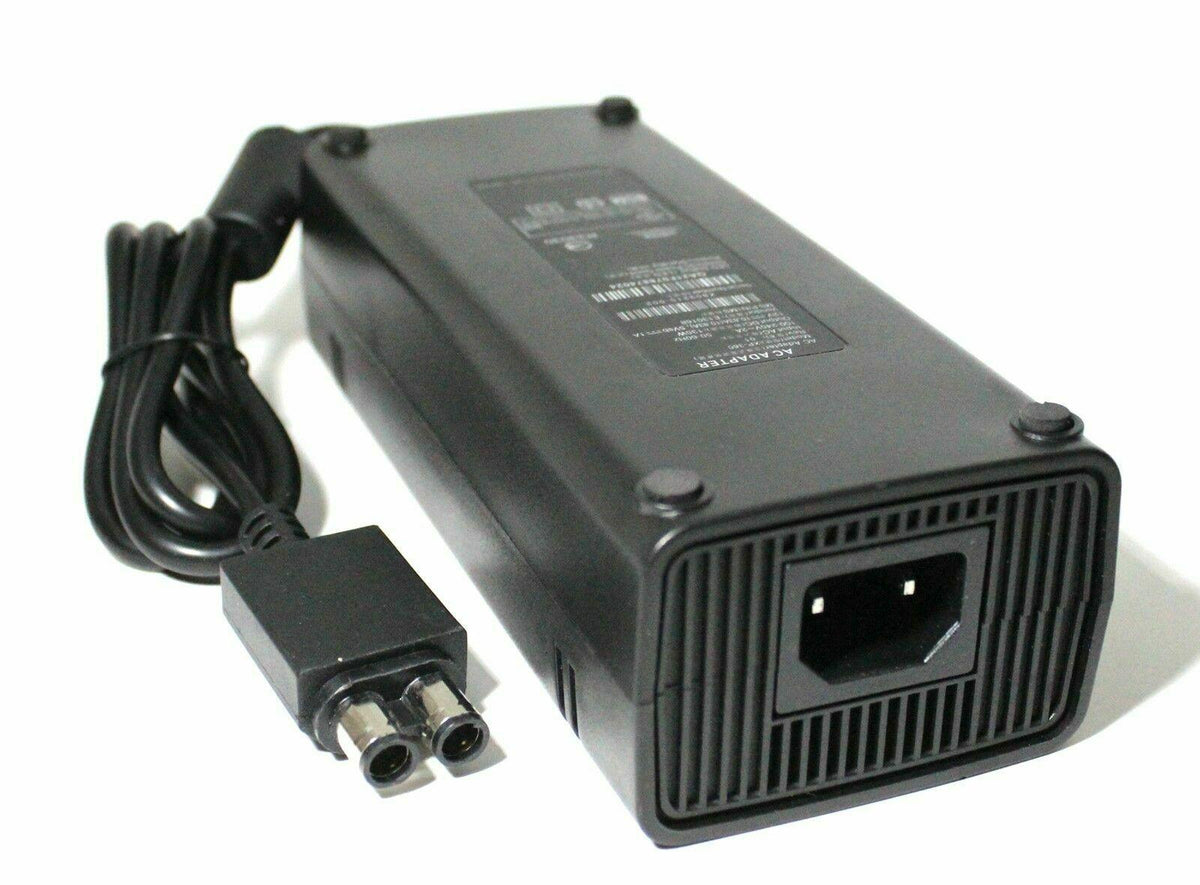
| Xbox 360 or Slim | Xbox 360 / Slim power brick | Match the 360 or Slim family, not Xbox One. |
| Xbox One | Xbox One power adaptor | Use the product marked for Xbox One; it is not for 360 or Slim. |
| Retro games on an HDMI display | Retro game stick | Check HDMI input, storage version and included controller count. |
This table is a screening tool, not a substitute for the label on your own hardware. Product descriptions state different connection methods, included parts, and supported systems. When two choices appear close, the exact console family is the deciding detail.
Choose the connection and features that suit your room
Wired controllers make sense where the console stays close to the seat and cable routing is simple. Wireless models reduce cable clutter, but they need the listed wireless method and any included receiver or pairing process. Keep spare batteries or charging arrangements in mind when the controller uses them.
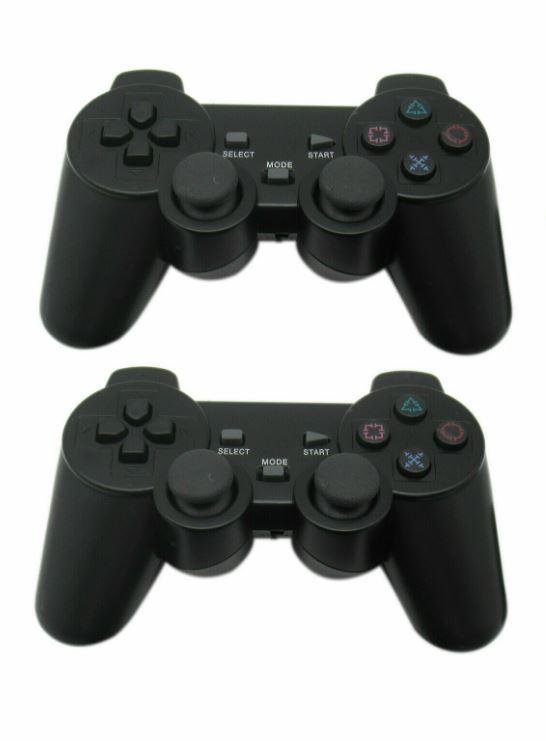
On PS2, both a wired dual-vibration option and a 2.4 GHz wireless twin-shock set are available in this range. A two-controller pack can suit local multiplayer, while a single wired controller can be a direct replacement for a failed pad. Do not assume a PS2 controller will connect to a newer PlayStation.
For PS4, compare what each listing actually states. One blue controller identifies Bluetooth wireless connectivity. Another gives dual vibration and a non-slip, sweatproof surface. A third identifies wireless connectivity and an ergonomic design. These are feature choices after console compatibility, not before it.
Wii motion games have a different requirement again. The Wii/Wii U set combines a Nunchuk and Motion Plus remote controller, and its description refers to Bluetooth wireless technology and motion-sensitive sensors. That purpose differs from an HDMI adapter, which addresses display connection rather than gameplay input.
Power and video checks that prevent common mistakes
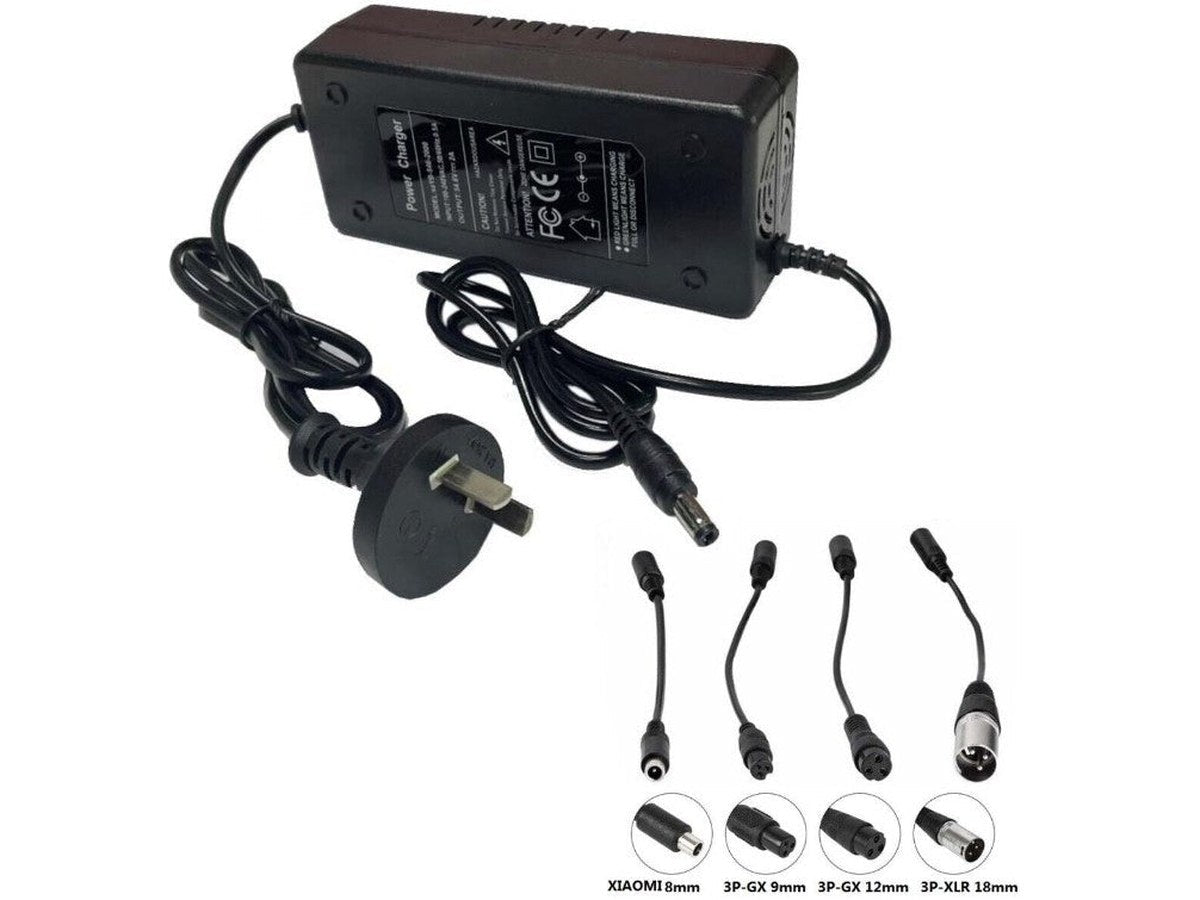
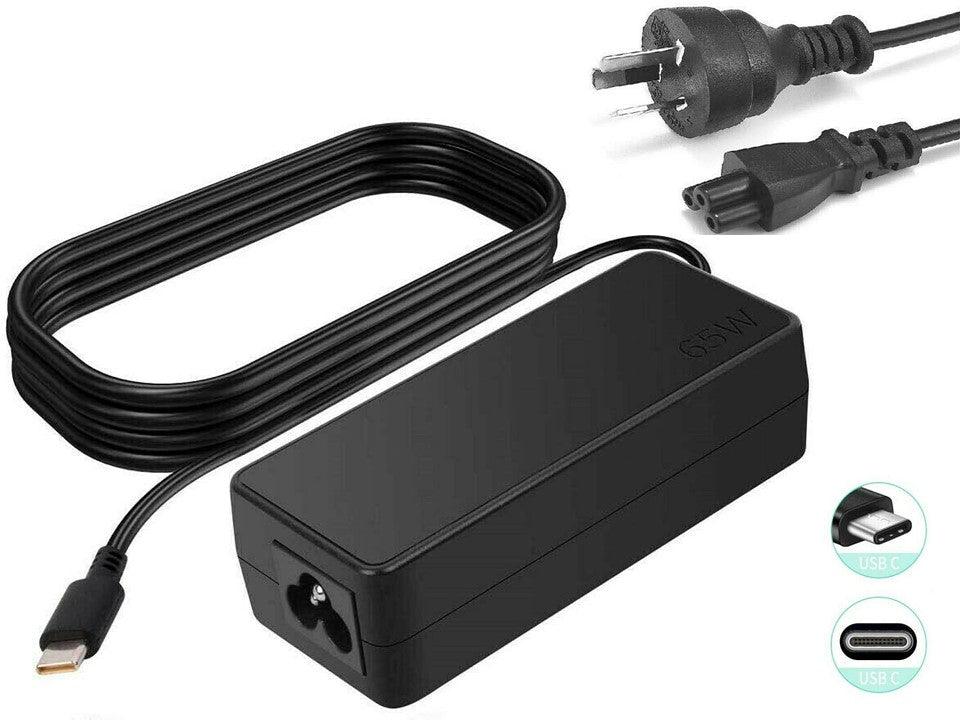
Power adaptors deserve extra care because plugs and console families are not universal. The Xbox 360 / Slim-compatible brick is described with 135 W output. The Xbox One adaptor is also listed as 135 W, yet its description specifically says it is for Xbox One and not Xbox 360 or Slim. The printed family matters more than a shared wattage figure.
Disconnect the old adaptor from the power point before reading it. Compare the console generation, connector shape, and the input and output details supplied for the replacement. Do not use a frayed cable, a loose connector, or an adaptor that becomes unusually hot. Replace damaged power equipment rather than attempting a makeshift repair.
For a Wii display upgrade, HDMI is the key interface. The Tavice unit is described for Wii and Wii U to HDMI with HD audio and video output. The alternate Wii HDMI adapter also has a 3.5 mm audio socket. Select the latter only when that extra analogue audio path is useful in your setup.
Products for PS2, Wii, Xbox and retro setups
OfficeCatch lists the following items for the console families covered here. Treat the title and description as the final product-specific check, especially for console generation and included accessories.
| Best starting point | Product | What the listing states |
|---|---|---|
| Wireless PS2 multiplayer | 2.4 GHz PS2 twin-shock controller two-pack | Two wireless gamepads for PS2. |
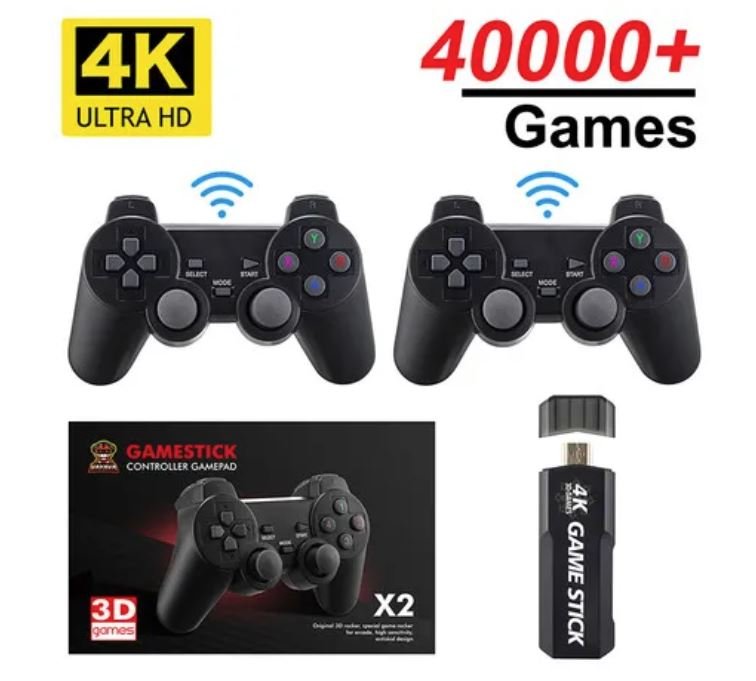
| Compact retro library | X2 Plus retro game stick | 64 GB version, double wireless controller, and 40,000+ games in the title. |
| Xbox 360 or Slim power | Xbox 360 / Slim compatible power brick | Marked for Xbox 360 and Xbox 360 Slim. |
| Blue PS4 wireless option | blue Bluetooth PS4-compatible controller | Bluetooth wireless connectivity is stated. |
| PS4 dual vibration | PS4 dual-vibration remote | Listed with responsive sticks and buttons. |
| Wii motion play | Wii/Wii U Nunchuk and Motion Plus set | Includes the stated motion remote and Nunchuk. |
| Wired PS2 replacement | wired PS2 dual-vibration controller | Designed for PlayStation 2. |
| Xbox One or Windows play | wired Xbox One and Windows 10 controller | USB wired controller with an integrated headset port. |
| Wii/Wii U HDMI link | Tavice Wii/Wii U HDMI converter | For HDMI-enabled televisions, monitors and projectors. |
| Xbox One power | Xbox One power adaptor | States Xbox One use and an AU plug. |
| Four-player retro stick | retro 64G 4K HDMI TV stick | Title states four wireless controllers. |
| Wii HDMI with 3.5 mm audio | Wii HDMI adapter with 3.5 mm audio | HDMI audio plus a 3.5 mm socket is described. |
| Second wired PS2 option | wired PS2 dual-shock gamepad | A wired PlayStation 2 gamepad. |
| Wireless PS4 gamepad | wireless PS4 dual-shock gamepad | States PS4 compatibility and wireless connectivity. |
Set up one change at a time. Start the console with the correct power equipment, test video on the chosen display, then pair or connect the controller. Keeping the old part beside the new one during setup makes it easier to spot a wrong connector before anything is forced.
FAQs
How do I choose between a wired and wireless PS2 controller?
Choose wired when you want a direct cable connection and do not mind sitting near the console. Choose wireless when the product is stated for PS2 and you prefer more room around the television. Check that the set includes the controller or controllers you expect before ordering.
Will a Wii HDMI adapter improve old Wii game graphics?
A Wii HDMI adapter changes the connection so a Wii or Wii U can connect to an HDMI display. It does not create new detail in the original game. Check the adapter description for its stated output support, and make sure your television, monitor, or projector has an HDMI input.
Can I use an Xbox 360 power adaptor on an Xbox One?
No. The listed Xbox One adaptor is expressly marked as not for Xbox 360 or Slim, and the Xbox 360 or Slim brick is a separate product. Match the console family before buying. Never force a plug, substitute an unknown power supply, or use a damaged lead.
What should I check before buying a PS4 compatible controller?
First confirm that your console is a PlayStation 4 and choose a product described as compatible with PS4. Then decide if you need Bluetooth or a cable, and compare features such as vibration, button layout, grip, and headset support where stated. Charge or connect it as instructed.
Products linked in this guide
-
[2 Pack] Compatible Controllers for Sony PS2 Wireless Twin Shock Game Controller Joystick Joypad $38.95 AUD · Sold out View current product details
-
X2 Plus Upgraded Game Stick Retro Console Double Wireless Controller 40000+ games 64GB PowKiddy $84.95 AUD · Sold out View current product details
-
Xbox 360 / Slim Compatible Adapter Brick Power Supply $34.98 AUD · Sold out View current product details
Check the product page for current specifications, compatibility and availability.